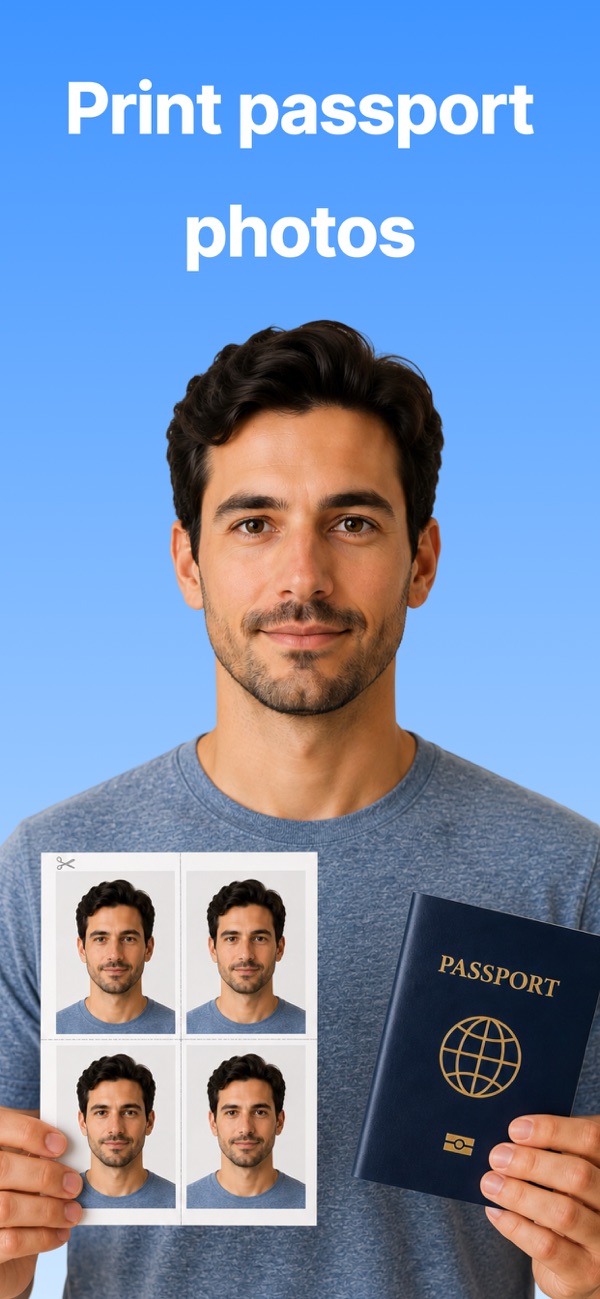
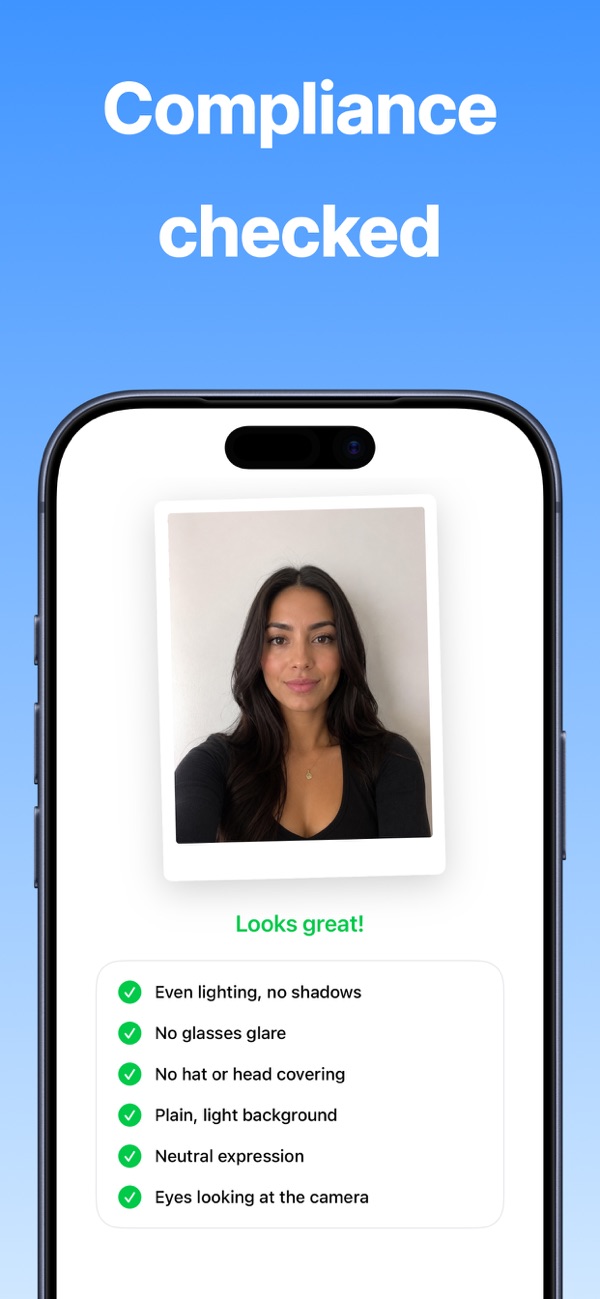
Take a passport, visa or ID photo with your phone, have it checked against official requirements, and print it at home or at any photo lab.
Yes. The guided camera frames your head and shoulders, the AI review checks the official requirements, and the app produces a 2x2 inch photo ready to print.
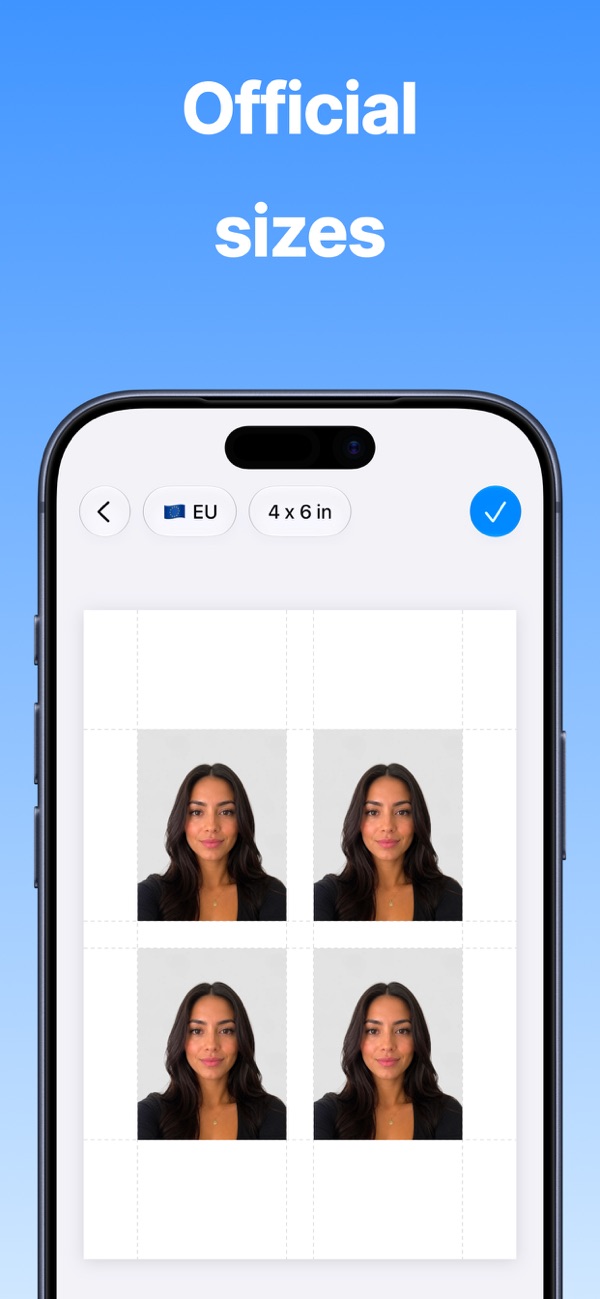
Lay out copies on a 4x6, A4, Letter or custom sheet and print at home with AirPrint, or save the sheet and print it at any photo lab.
Yes. The background is removed automatically and replaced with the plain, light backdrop passport offices ask for.
Every app is free to download, with a free plan so you can try it. A Pro subscription or in-app purchase unlocks Pro features.
Open the app, go to Settings or the upgrade screen, and tap “Restore Purchases”. Make sure you're signed in with the same Apple ID you used to buy it.
Subscriptions are managed by Apple. Open the Settings app, tap your name, then Subscriptions. Choose the app and tap Cancel Subscription.

Find synonyms right from your keyboard.
Print address and shipping labels on any Avery sheet.

Read your script while you record.
Questions, feedback, bug reports or collaboration ideas. I read every email.
jordanzeleny@gmail.com