Label Printer
Print address and shipping labels on any Avery sheet.
Print address and shipping labels on any Avery sheet.
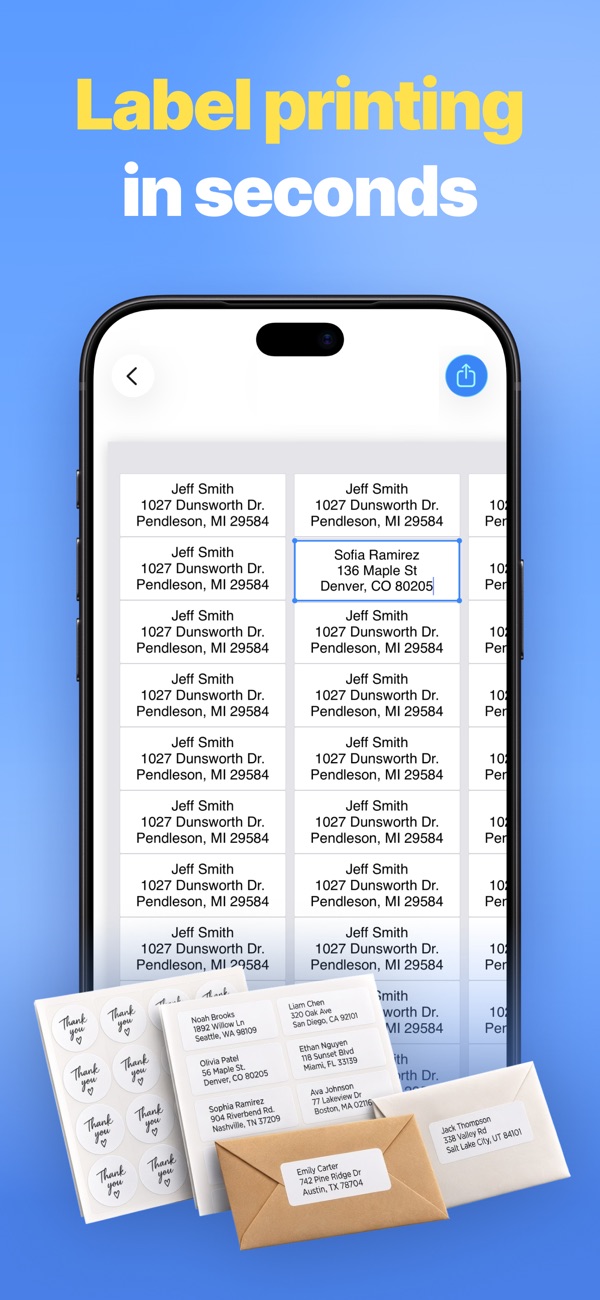
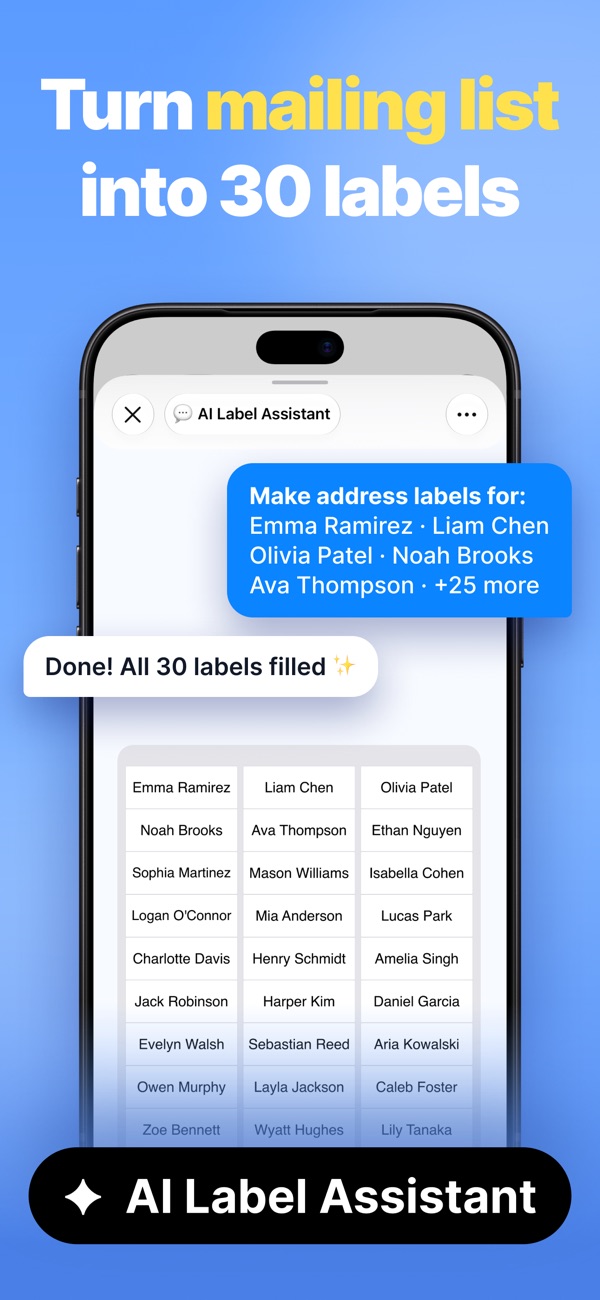
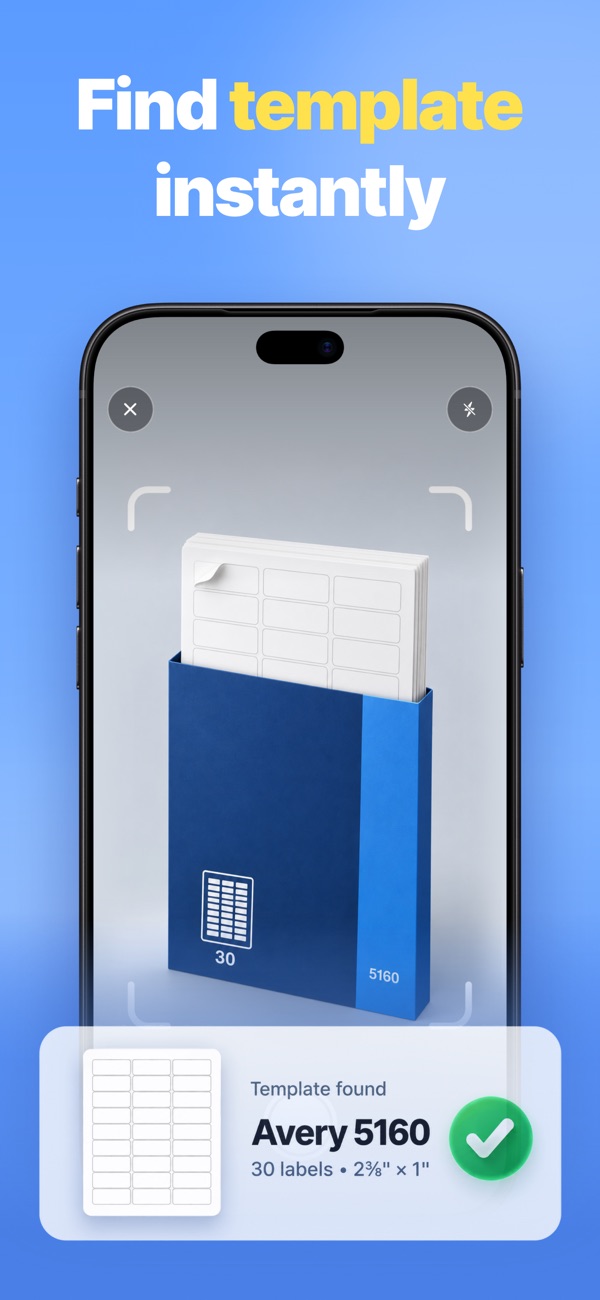
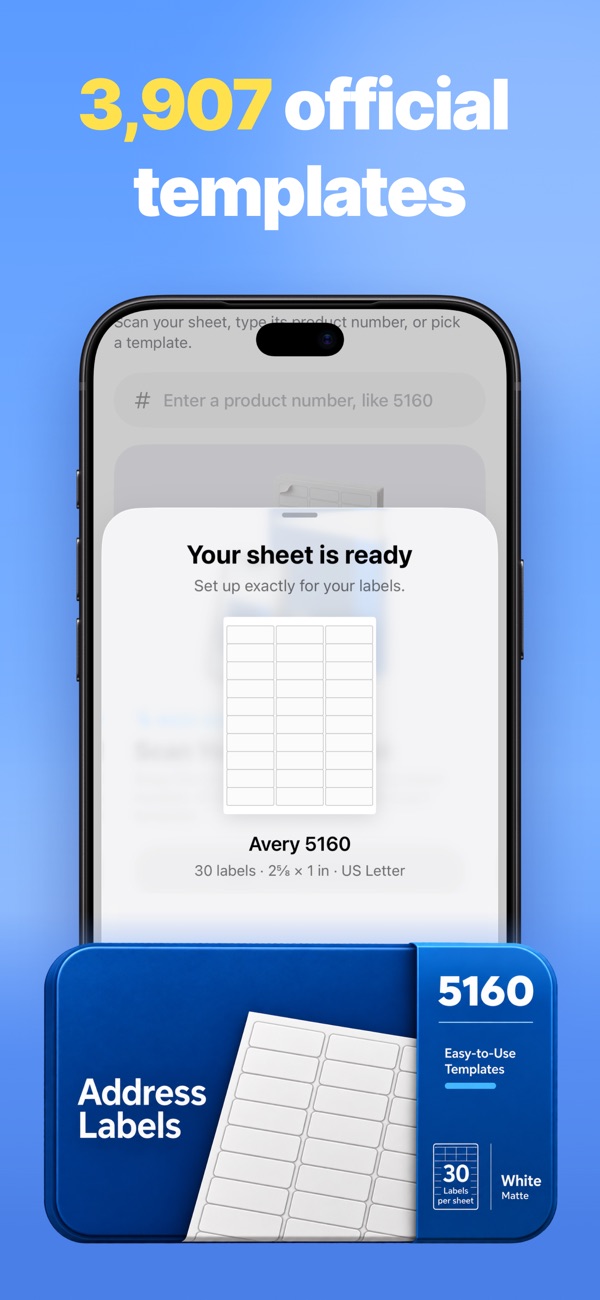
Print sharp address, shipping, name tag and round labels on any Avery sheet. Paste a list, let the AI fill every cell, and you're at the printer in under a minute.
Yes. Type in your Avery product code, such as 5160, 5163 or 8160, and the layout lines up with the sheet automatically.
Yes. Ask the AI Label Assistant for labels for specific people and it looks up their addresses in your Contacts.
Yes. Build your own sheet by setting the rows, columns, margins, spacing and label shape.
Every app is free to download, with a free plan so you can try it. A Pro subscription or in-app purchase unlocks Pro features.
Open the app, go to Settings or the upgrade screen, and tap “Restore Purchases”. Make sure you're signed in with the same Apple ID you used to buy it.
Subscriptions are managed by Apple. Open the Settings app, tap your name, then Subscriptions. Choose the app and tap Cancel Subscription.
Questions, feedback, bug reports or collaboration ideas. I read every email.
jordanzeleny@gmail.com