Envelope Printer
Design and print beautiful envelopes in minutes.
Design and print beautiful envelopes in minutes.
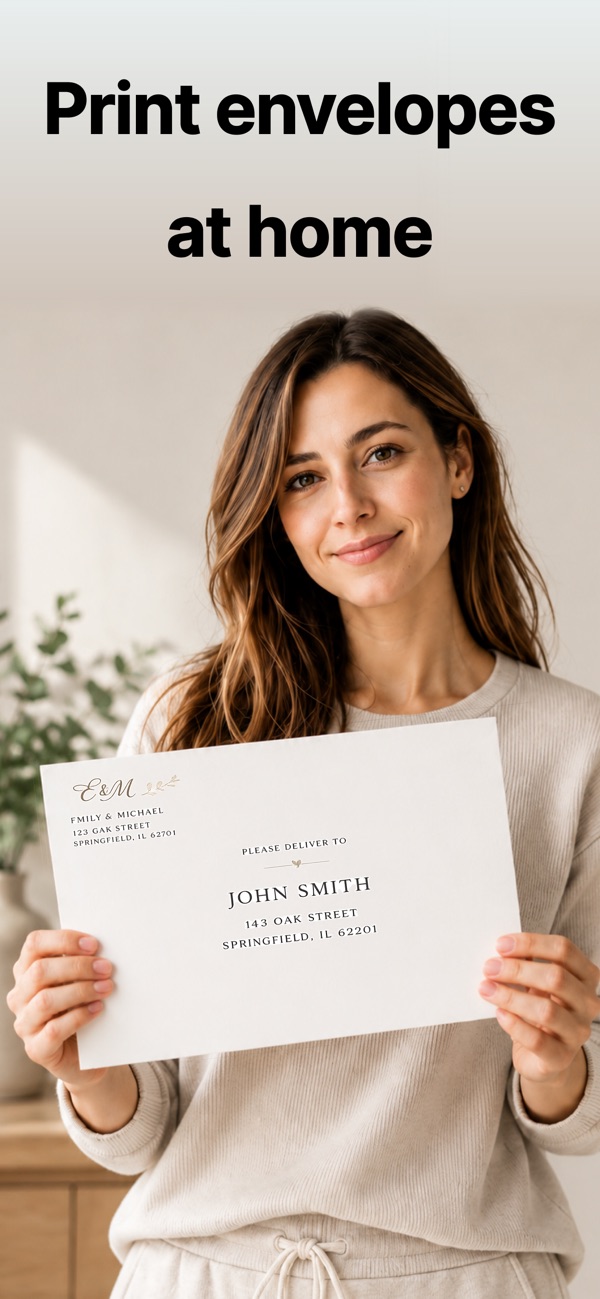
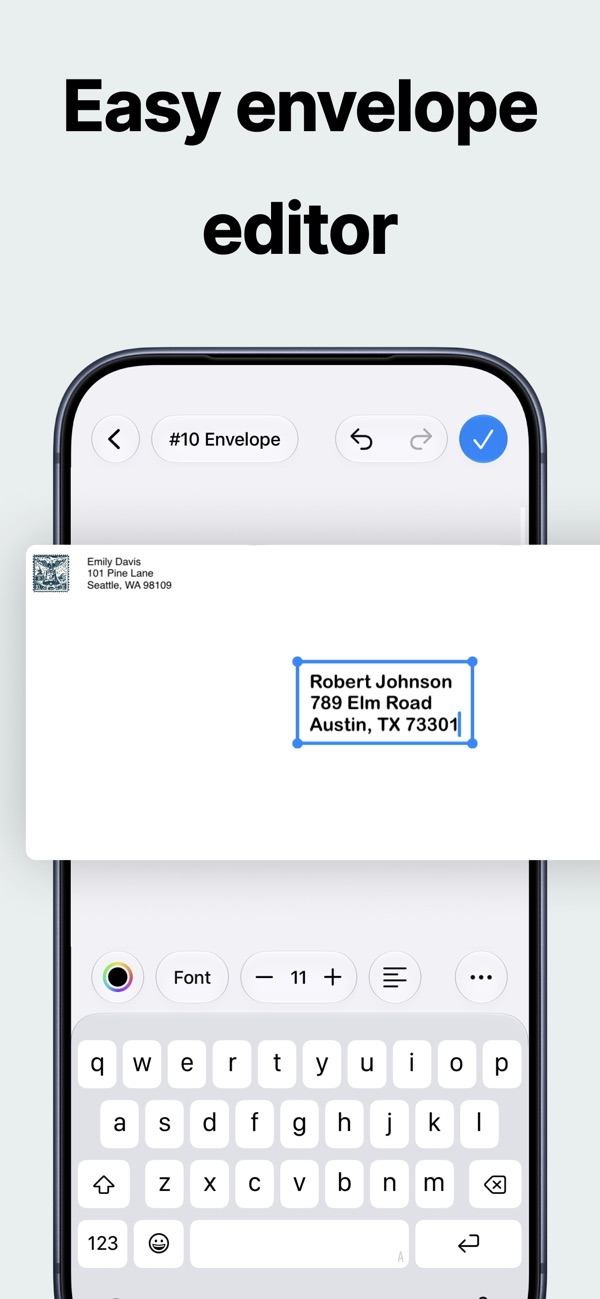
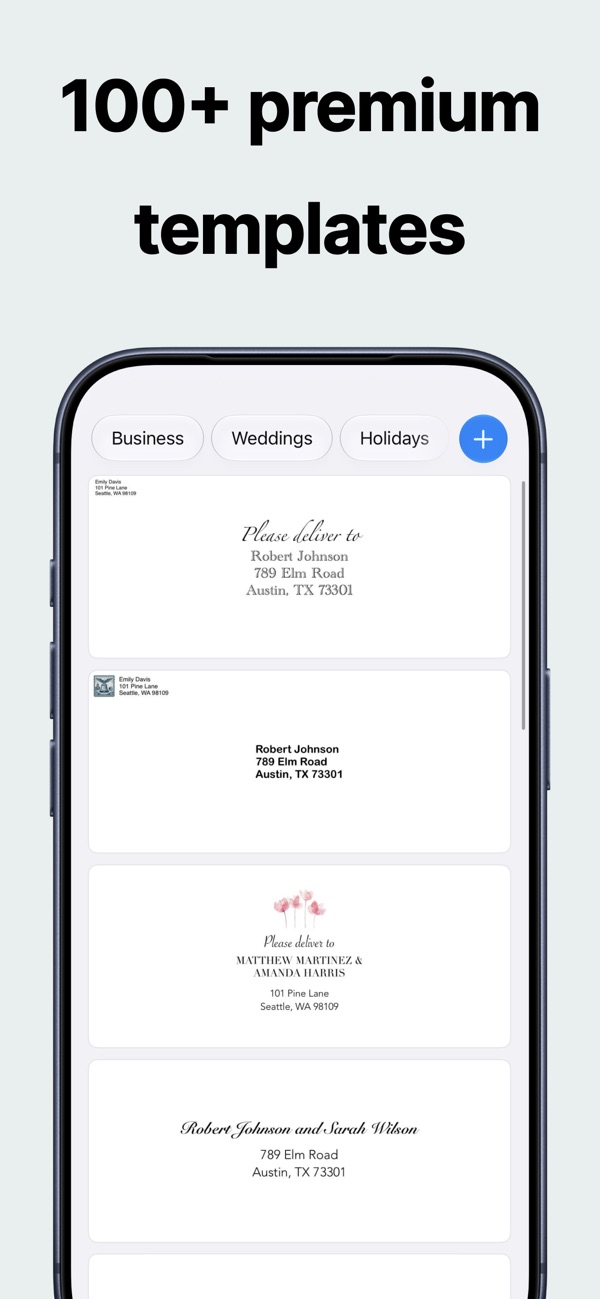
A full design studio for the front of your envelope. Start from a professional template or a blank canvas, address one envelope or a hundred, and print straight from your iPhone, iPad or Mac.
All the common sizes, including #10, #9, DL, A7, A6, square, catalog and baronial, plus custom dimensions in inches, centimeters or millimeters.
Yes. Paste a list of names or a CSV and the AI creates one addressed envelope per contact, keeping your return address on every one.
Designing is completely free. A limited free plan covers printing and exporting, and a subscription unlocks unlimited output.
Every app is free to download, with a free plan so you can try it. A Pro subscription or in-app purchase unlocks Pro features.
Open the app, go to Settings or the upgrade screen, and tap “Restore Purchases”. Make sure you're signed in with the same Apple ID you used to buy it.
Subscriptions are managed by Apple. Open the Settings app, tap your name, then Subscriptions. Choose the app and tap Cancel Subscription.
Questions, feedback, bug reports or collaboration ideas. I read every email.
jordanzeleny@gmail.com