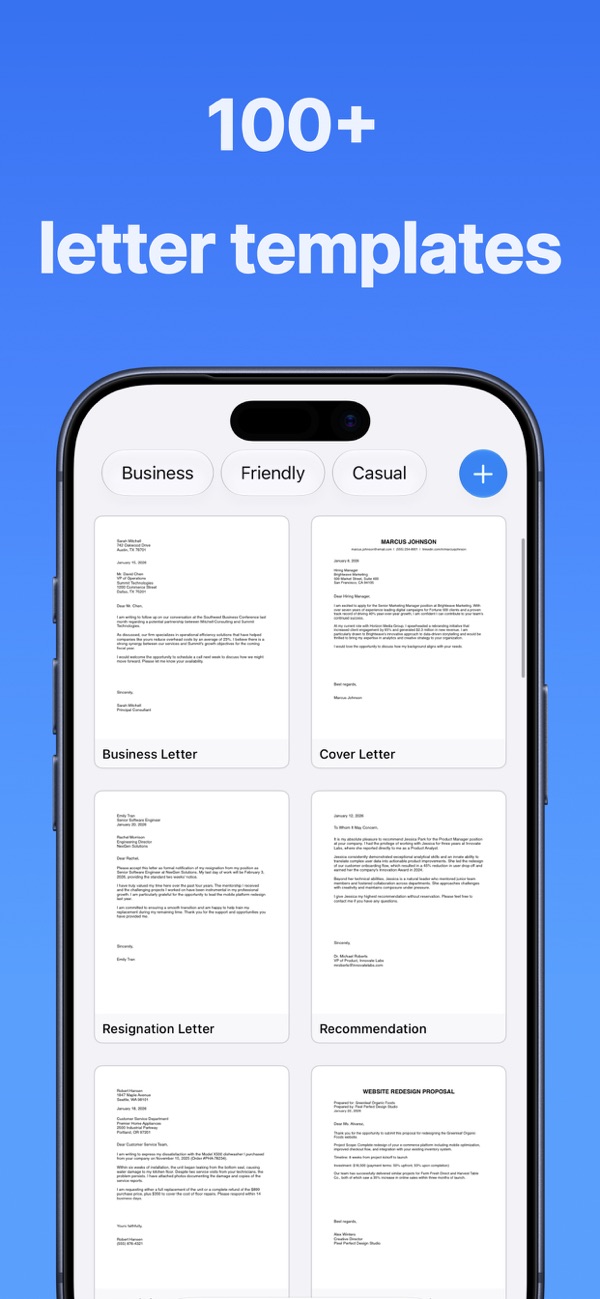
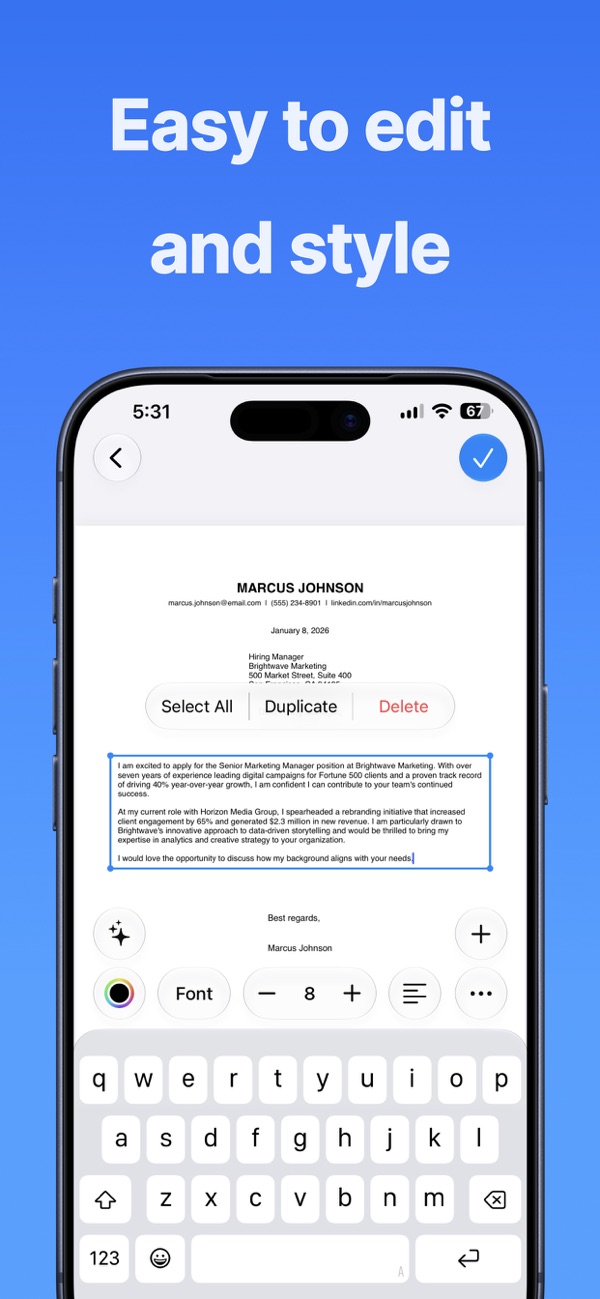
Pick a ready-made letter template, personalize it with a fast editor, and print a clean, properly formatted letter in a few taps.
Yes. Letter Printer formats your letter at the correct size and prints straight to your printer.
No. Start from a template, type your text, and the layout handles margins and alignment for you.
All templates and the editor, plus a limited number of prints. Pro unlocks unlimited prints and saved letters.
Every app is free to download, with a free plan so you can try it. A Pro subscription or in-app purchase unlocks Pro features.
Open the app, go to Settings or the upgrade screen, and tap “Restore Purchases”. Make sure you're signed in with the same Apple ID you used to buy it.
Subscriptions are managed by Apple. Open the Settings app, tap your name, then Subscriptions. Choose the app and tap Cancel Subscription.
Questions, feedback, bug reports or collaboration ideas. I read every email.
jordanzeleny@gmail.com