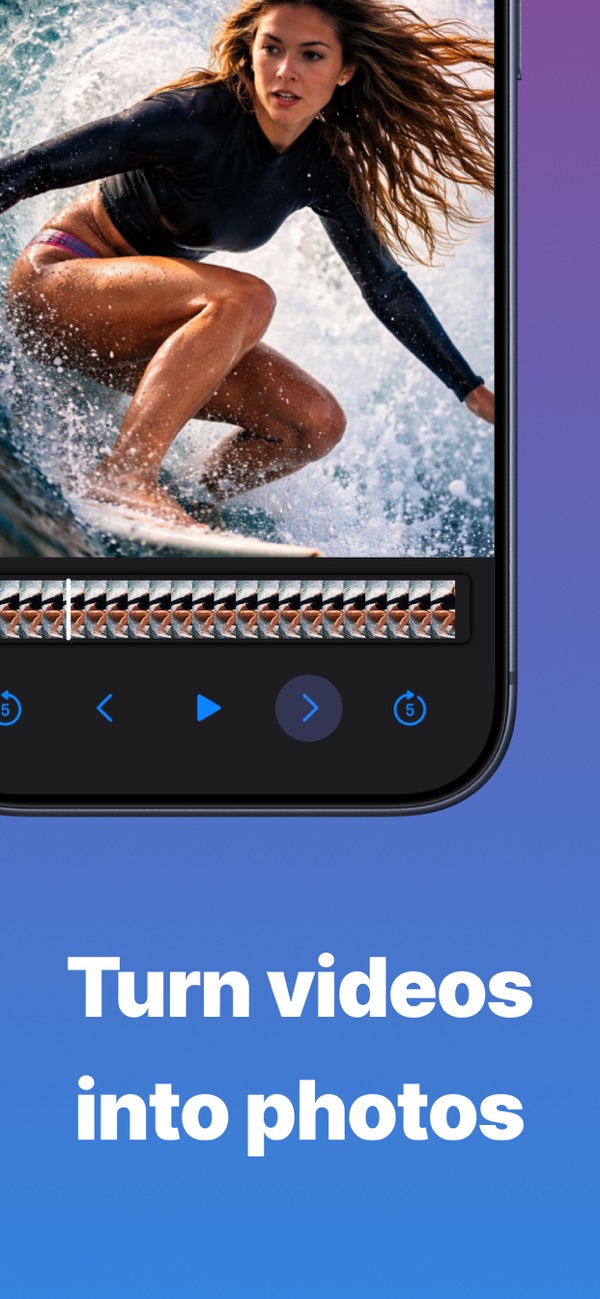
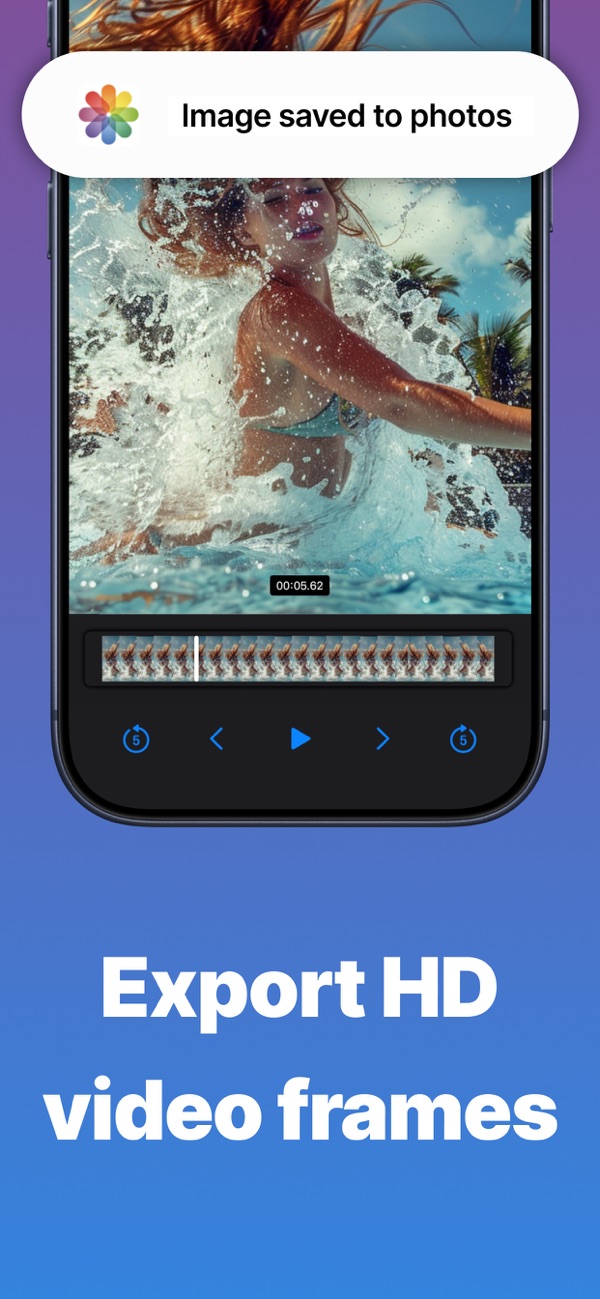
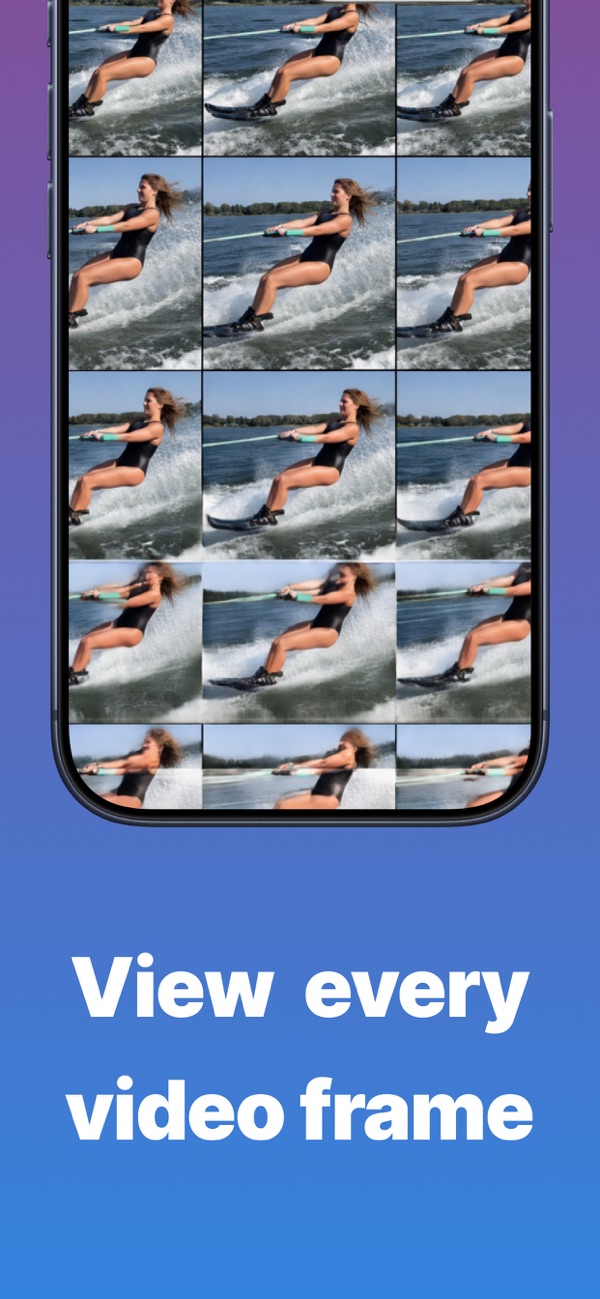
Scrub through your videos frame by frame, save the exact moment you want as a full-resolution photo, and enhance it with AI upscaling up to 4K.
Open the video in VidGrab, step through it frame by frame until you find the moment you want, and tap save. The frame is saved to Photos at full resolution.
Yes. Premium includes an AI upscaler that enhances any frame or photo up to 4K, with a side-by-side comparison before you save.
Free exports include a small watermark. Premium removes it and unlocks unlimited saves.
Every app is free to download, with a free plan so you can try it. A Pro subscription or in-app purchase unlocks Pro features.
Open the app, go to Settings or the upgrade screen, and tap “Restore Purchases”. Make sure you're signed in with the same Apple ID you used to buy it.
Subscriptions are managed by Apple. Open the Settings app, tap your name, then Subscriptions. Choose the app and tap Cancel Subscription.
Questions, feedback, bug reports or collaboration ideas. I read every email.
jordanzeleny@gmail.com