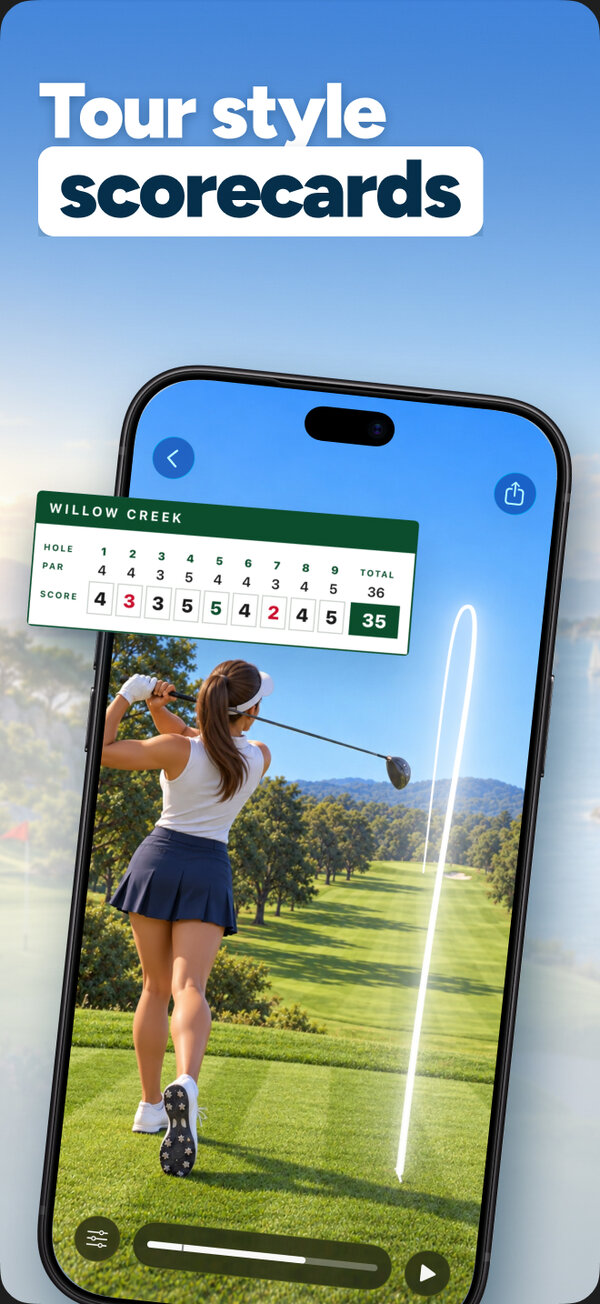
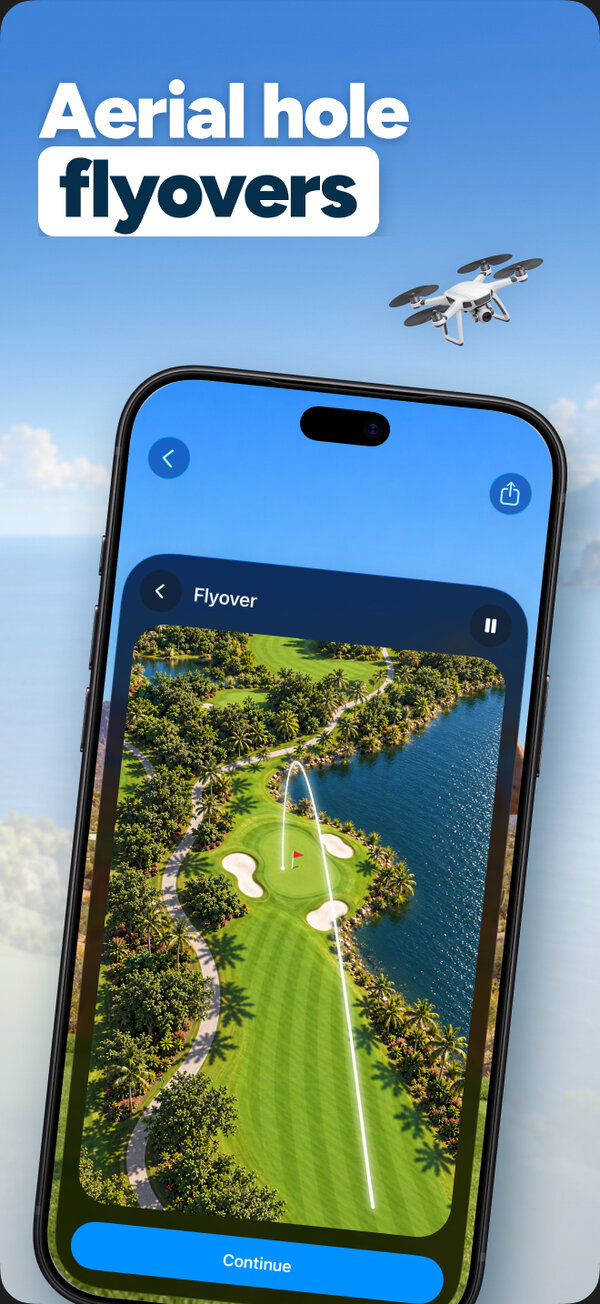
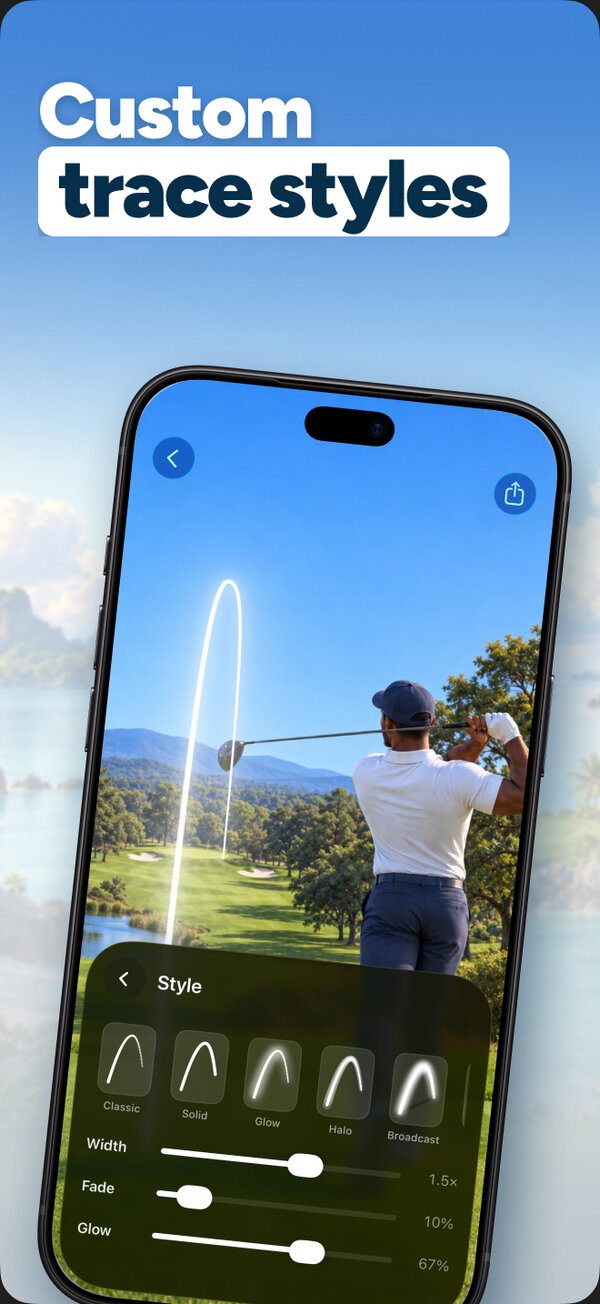
Add smooth, accurate ball-flight lines to any golf video with automatic detection, then export clean highlight clips for social media.
Import your video. Golf Tracer detects where the ball starts and when it's struck, then you adjust the curve and landing spot and export.
Yes. Import any video from your library, including range sessions and on-course clips.
All tracing tools and two free saves. Pro unlocks unlimited saves.
Every app is free to download, with a free plan so you can try it. A Pro subscription or in-app purchase unlocks Pro features.
Open the app, go to Settings or the upgrade screen, and tap “Restore Purchases”. Make sure you're signed in with the same Apple ID you used to buy it.
Subscriptions are managed by Apple. Open the Settings app, tap your name, then Subscriptions. Choose the app and tap Cancel Subscription.
Questions, feedback, bug reports or collaboration ideas. I read every email.
jordanzeleny@gmail.com