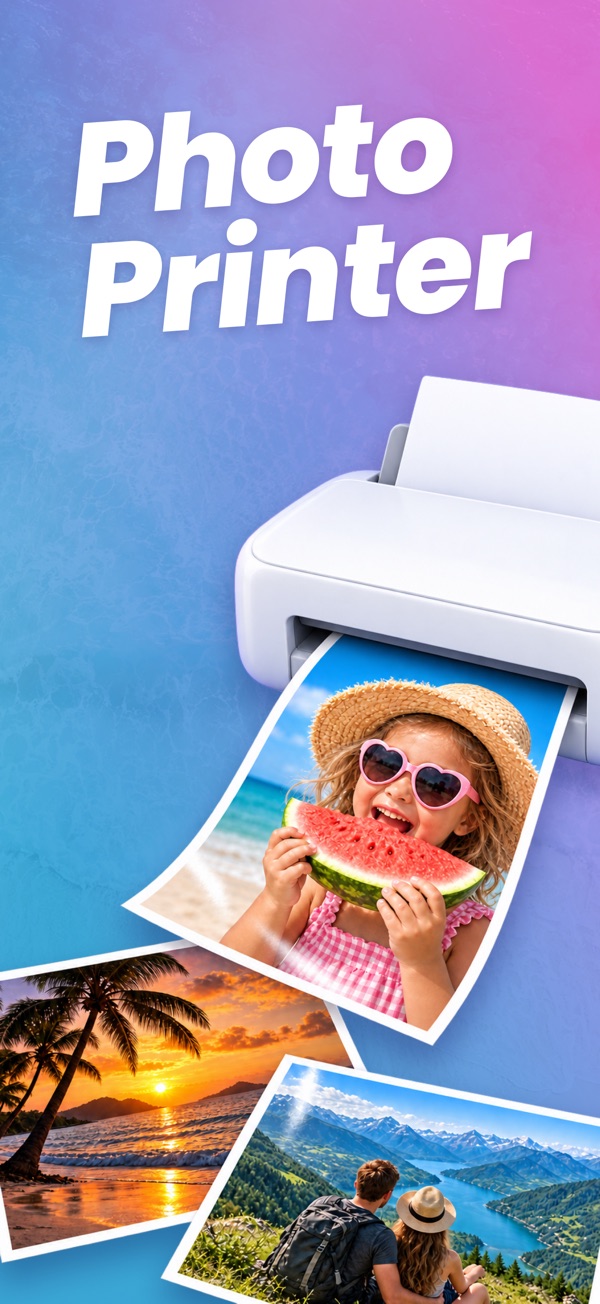
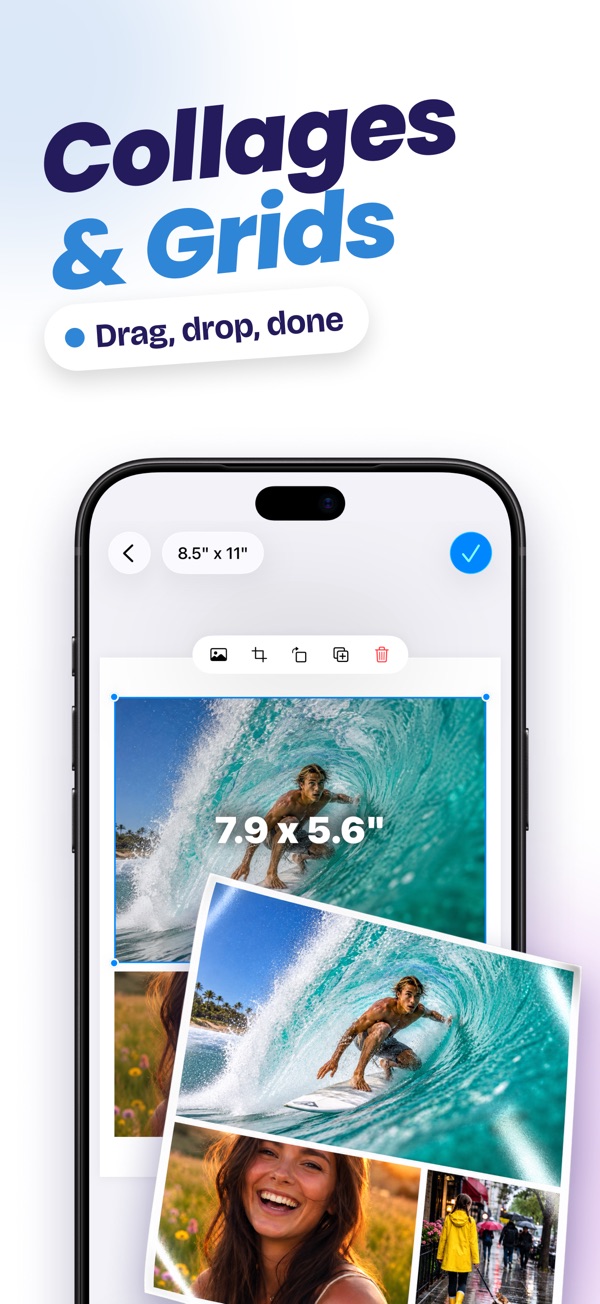
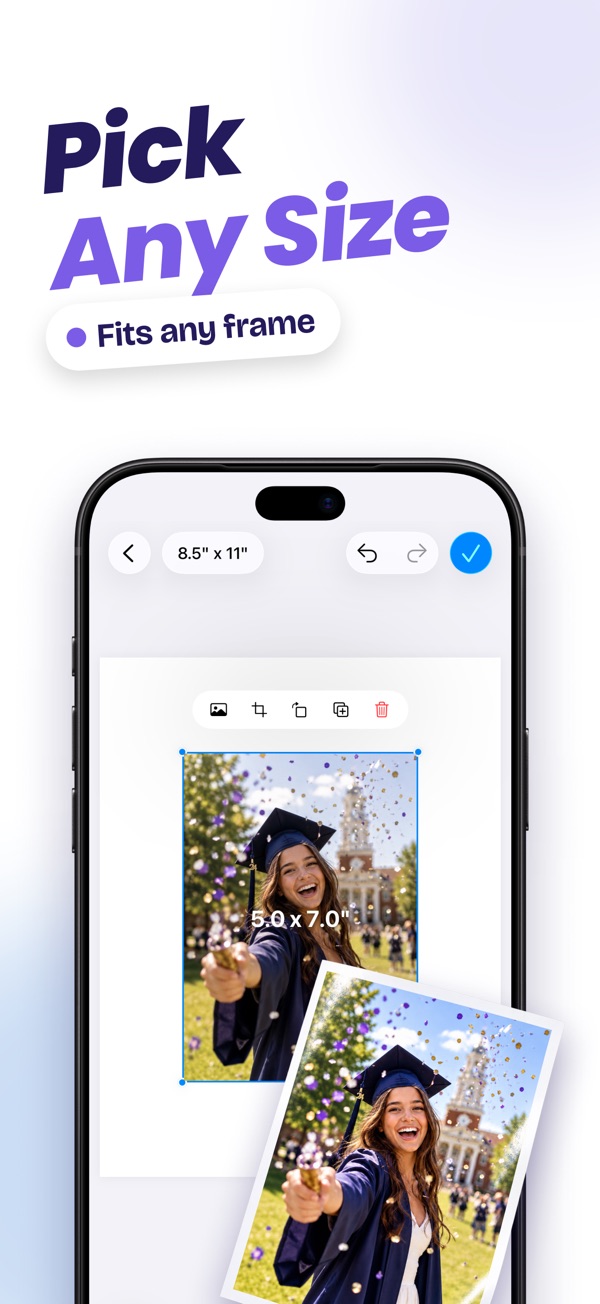
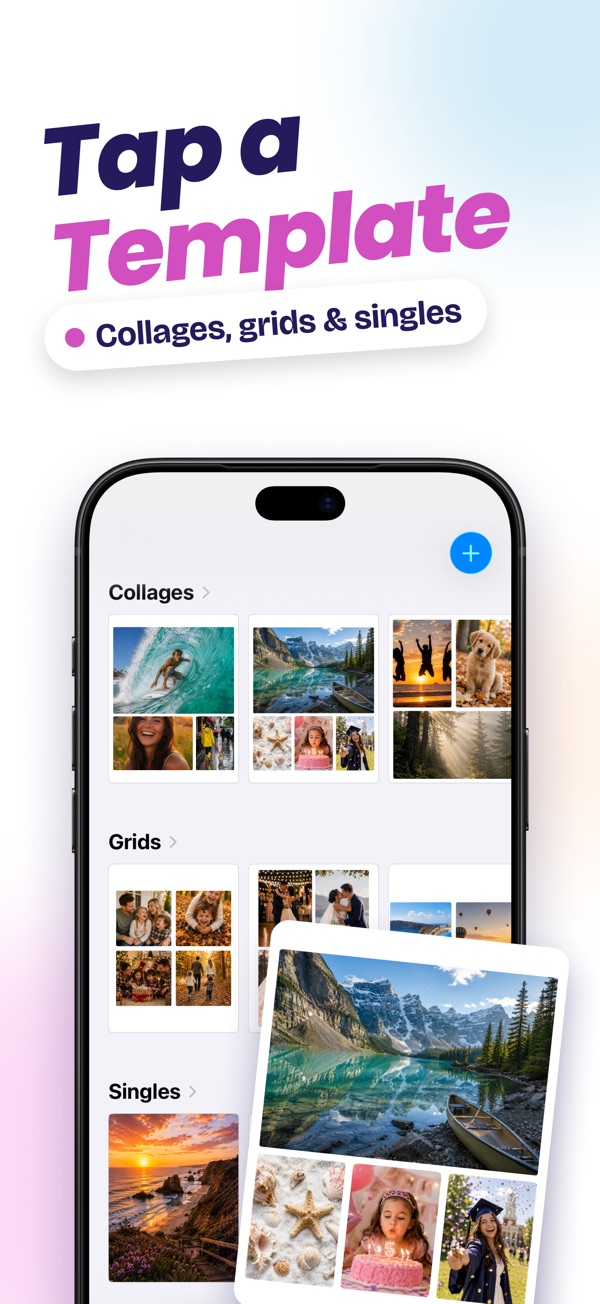
Print a single photo, a collage or a multi-photo layout on any paper size, with a layout editor and step-by-step printing guide so nothing gets wasted.
Choose your photo and paper size, set the print dimensions in the layout editor, and print to any AirPrint printer.
Yes. Use a template to make a collage or tile multiple photos on a single sheet.
A free plan includes a limited number of prints. The paid plan unlocks unlimited prints.
Every app is free to download, with a free plan so you can try it. A Pro subscription or in-app purchase unlocks Pro features.
Open the app, go to Settings or the upgrade screen, and tap “Restore Purchases”. Make sure you're signed in with the same Apple ID you used to buy it.
Subscriptions are managed by Apple. Open the Settings app, tap your name, then Subscriptions. Choose the app and tap Cancel Subscription.
Questions, feedback, bug reports or collaboration ideas. I read every email.
jordanzeleny@gmail.com