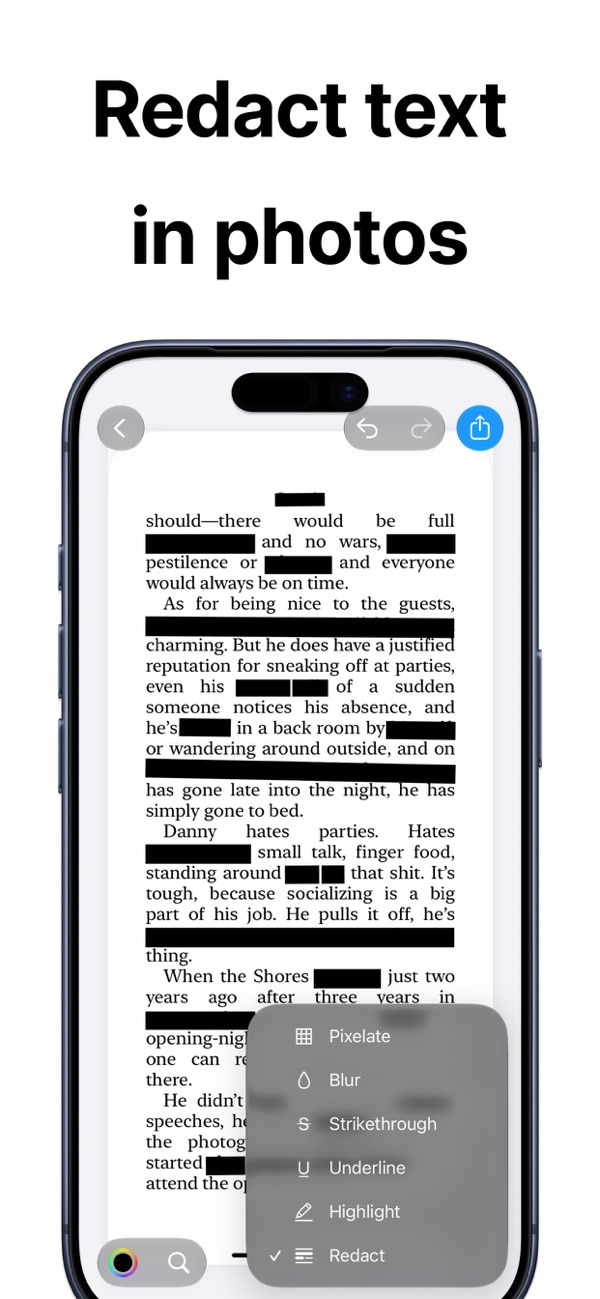
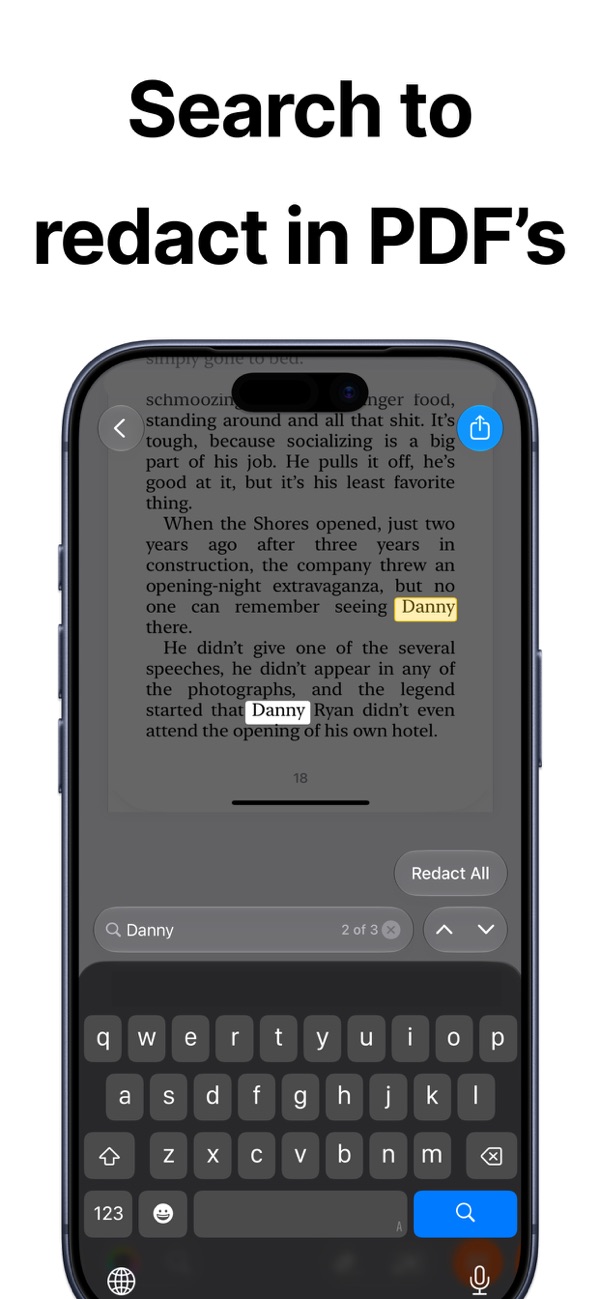
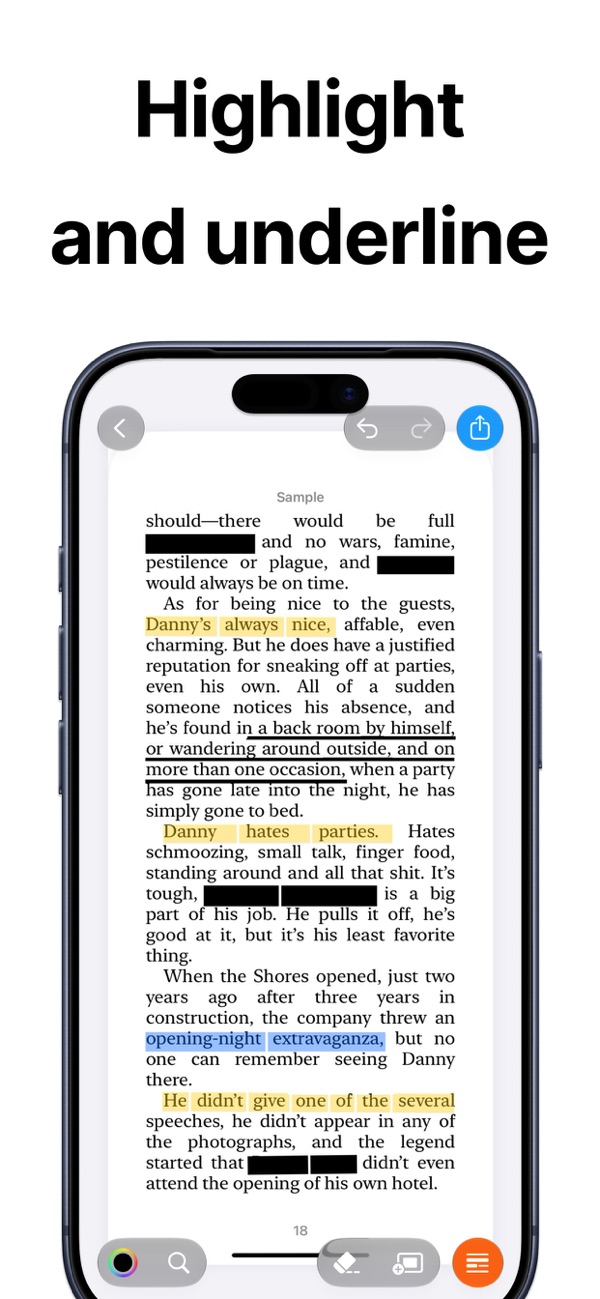
Whiteout makes it fast and precise to hide sensitive information in screenshots, scanned documents and PDFs, or to highlight what matters.
Open the screenshot in Whiteout (or share it from Photos), tap the words or lines you want to hide, and choose redact, blur or pixelate. Then export the cleaned image.
Yes. Whiteout finds text inside PDFs, so you can search for a word and redact every occurrence at once.
Unlimited saves and edits, and exports without the watermark.
Every app is free to download, with a free plan so you can try it. A Pro subscription or in-app purchase unlocks Pro features.
Open the app, go to Settings or the upgrade screen, and tap “Restore Purchases”. Make sure you're signed in with the same Apple ID you used to buy it.
Subscriptions are managed by Apple. Open the Settings app, tap your name, then Subscriptions. Choose the app and tap Cancel Subscription.
Compliant passport and ID photos at home.

Find synonyms right from your keyboard.
Print address and shipping labels on any Avery sheet.
Questions, feedback, bug reports or collaboration ideas. I read every email.
jordanzeleny@gmail.com