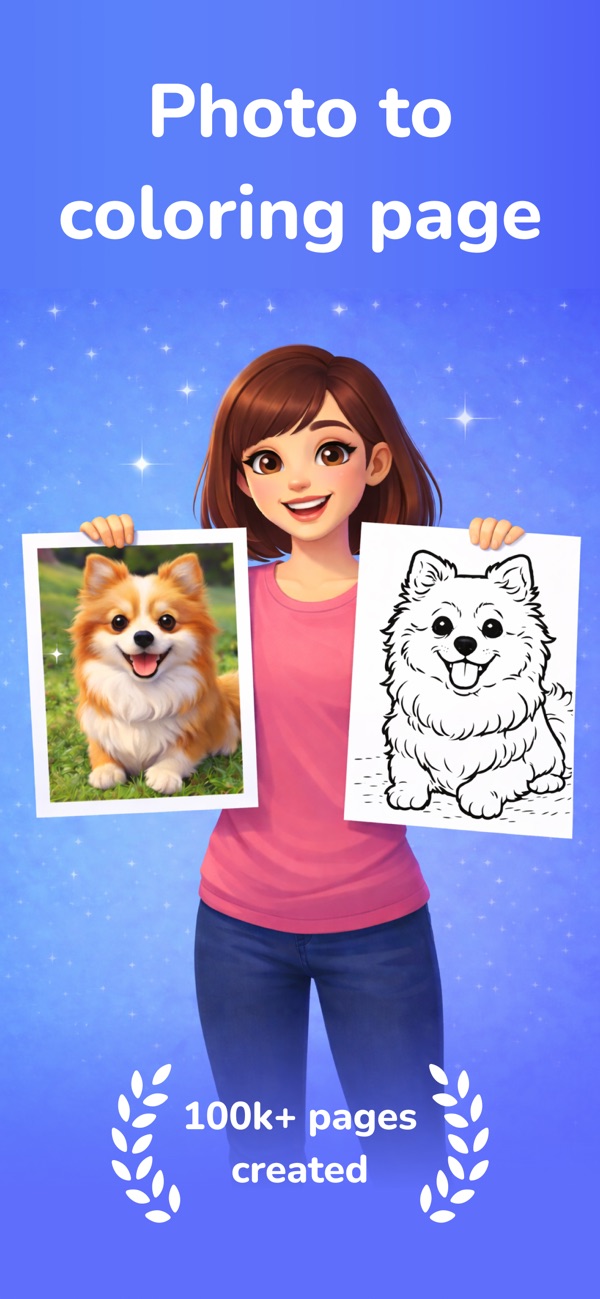
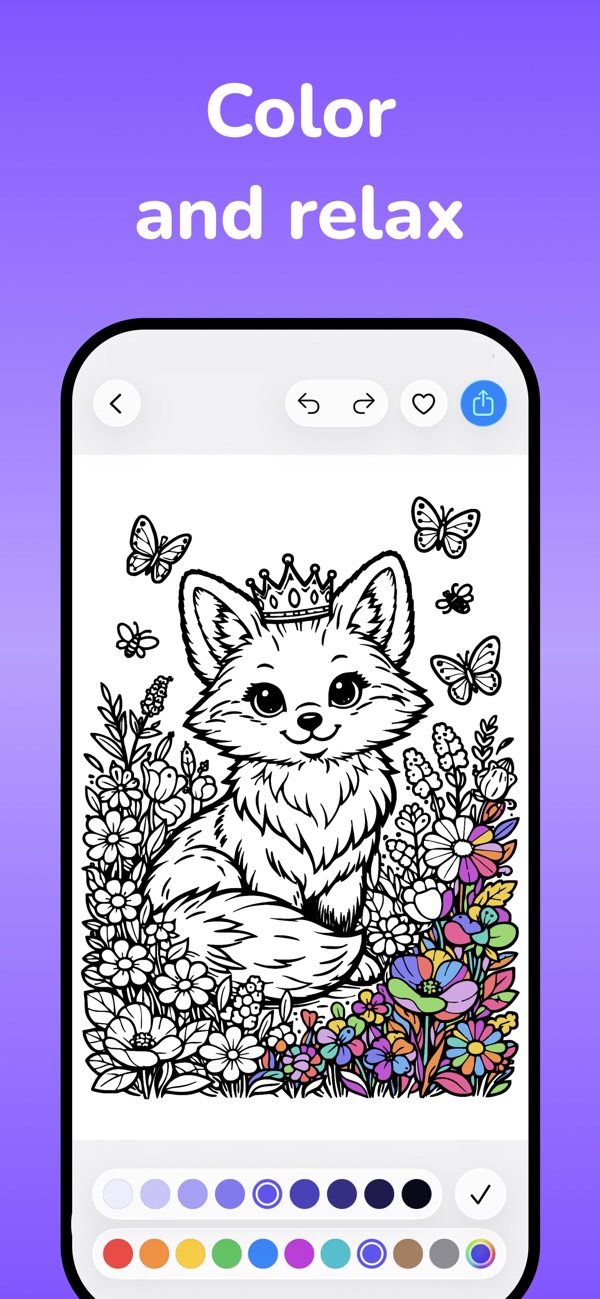
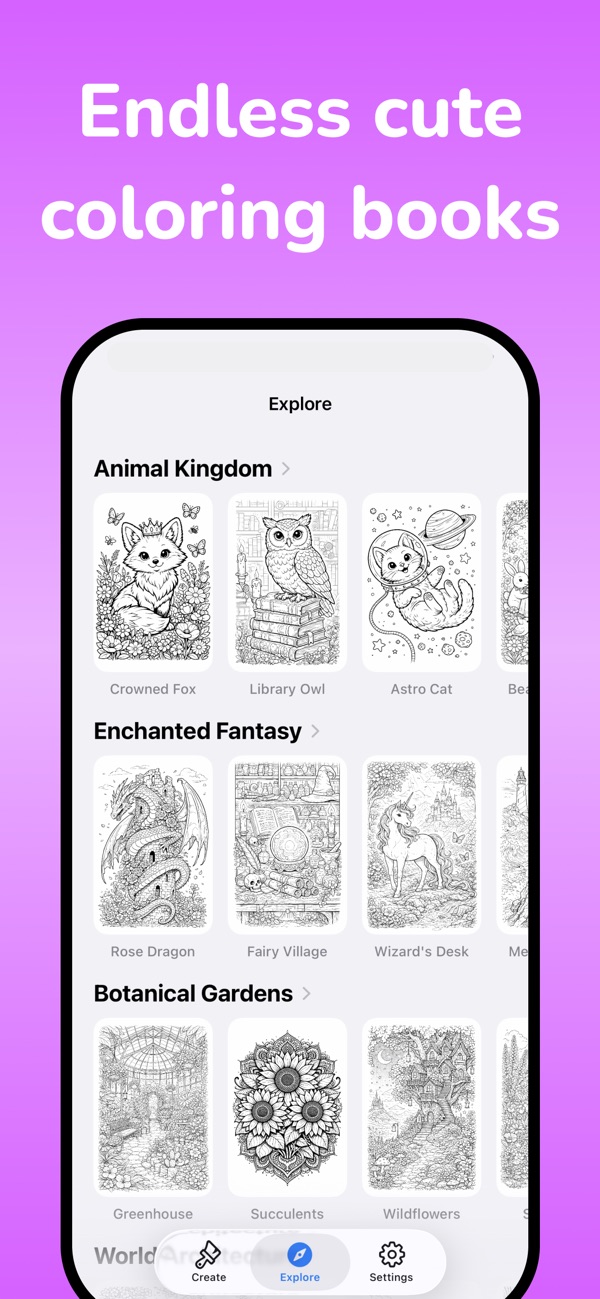
Transform pets, vacations and selfies into printable black-and-white line art, or describe an idea and generate a brand-new coloring page with AI.
Pick a photo, choose a style, and ColorFilla converts it into clean line art you can color in the app or print.
Yes. Pages export in high resolution, ready to print at home or share.
Unlimited coloring pages, higher-quality generation and no watermark on exports.
Every app is free to download, with a free plan so you can try it. A Pro subscription or in-app purchase unlocks Pro features.
Open the app, go to Settings or the upgrade screen, and tap “Restore Purchases”. Make sure you're signed in with the same Apple ID you used to buy it.
Subscriptions are managed by Apple. Open the Settings app, tap your name, then Subscriptions. Choose the app and tap Cancel Subscription.
Questions, feedback, bug reports or collaboration ideas. I read every email.
jordanzeleny@gmail.com